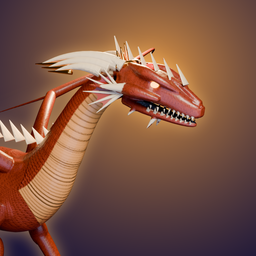
Dragonward
Raise a dragon from the egg, ride it into battle and shape the world you share. This page is for help with the game on iPhone and iPad.
Contact
Email support@dragonward.app. Tell us your device, iOS version and what happened. We read every message.
Common questions
Where is my progress saved? On your device. You can also sign in with Apple in Settings > Account and sync to sync your journey between your iPhone and iPad. Without an account, deleting the app deletes your progress.
Does the game need the internet? No. Dragonward plays fully offline. Syncing and purchases need a connection.
How do I delete my account? Open Settings > Account and sync > Delete account. This deletes your account and its synced data from our servers. The journey on that device stays as a local save.
The text is hard to read or the controls feel cramped. Open Settings in the game for larger text, left-handed controls, timing assist, slower combat and reduced effects.
Can I play on iPhone Duo or iPad? Yes. The game adapts to the folded and unfolded iPhone Duo, iPad in any orientation, Split View and Stage Manager windows.